 |
BlogOverdrive is a content generator that will automatically add content to your blog from any RSS feed.
For your Blog Content, Website Content, SEO Content or Blog Marketing give BlogOverdrive a try today! |
|
 |
BlogOverdrive Screenshot Gallery |
|
| |
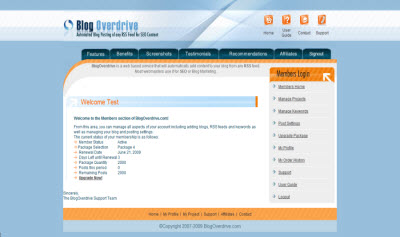
 Control Panel Home Page Control Panel Home Page |
| Every time you login to your account, the BlogOverdrive control panel home page greets you with your current account statistics such as account status, package information, posting statistics including remaining posts and days left until renewal. With this information, you can decide to speed up or slow down your posting speed or upgrade to another package. |
| |
|
Click image to enlarge.
|
|
|
| |
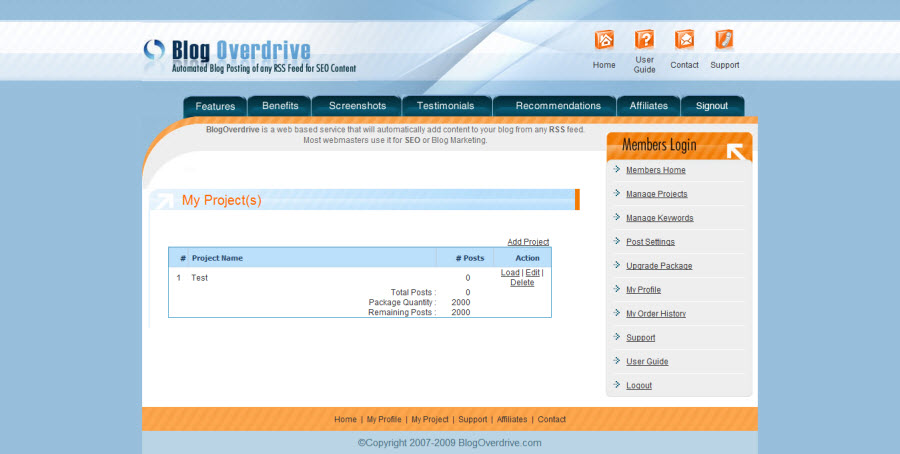
| Projects |
| At a glance, you can view all of your projects as well as adding, deleting or editing a project. Simply select and load that project. Once loaded, you are able to view or modify that projects details. |
| |
|
Click image to enlarge.
|
|
|
| |
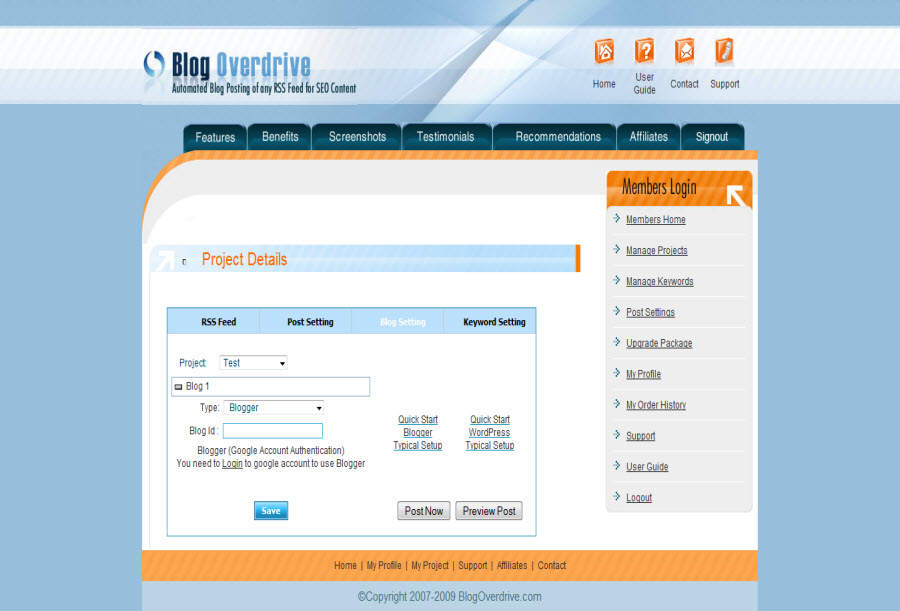
| Blog Settings |
| On this screen you input the URL of your blog as well as your user name and password. There is a custom login screen for all of the major blog software including WordPress, Blogger (new & old), Live Journal, Nucleus, b2evolution and more! You can even post to your blog by email from this screen. After you enter your blogs login information, BlogOverdrive will verify that you entered the correct information and if your blog is accessible. BlogOverdrive will even retrieve your blogs categories. |
| |
|
Click image to enlarge.
|
|
|
| |
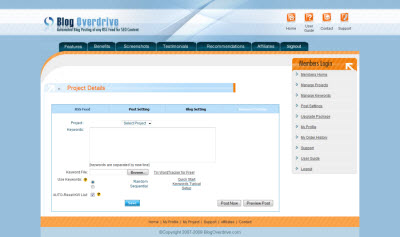
| Keyword Settings |
| Uploading your keywords is simple with BlogOverdrive. Either paste your keywords or upload them via a text file. There is no limit to the number of keywords you can add to your account. You can view all of your keywords at once as well as the keywords that have been used and not used by BlogOverdrive. You select whether you want BlogOverdrive to use the keywords in sequential or random order and if you want to reset your keyword list after they have all been used. |
| |
|
Click image to enlarge.
|
|
|
| |
| Post Settings |
| The post setting control panel is where you can control the power of BlogOverdrive. You select how frequently you would like BlogOverdrive to post to your blog as well as reformatting your keywords with options like capitalizing, bolding and more. You even control the back link URL you would like your title and keywords linked. |
| |
|
Click image to enlarge.
|
|
|
| |
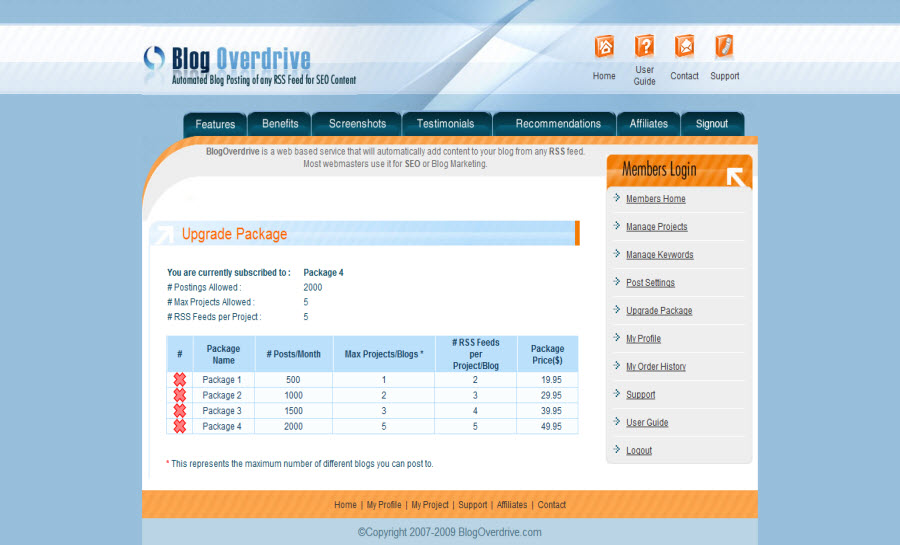
| Package Upgrade |
| Easily upgrade your account to a package that permits more postings per month or postings to more of your blogs. |
| |
|
Click image to enlarge.
|
|
|
| |
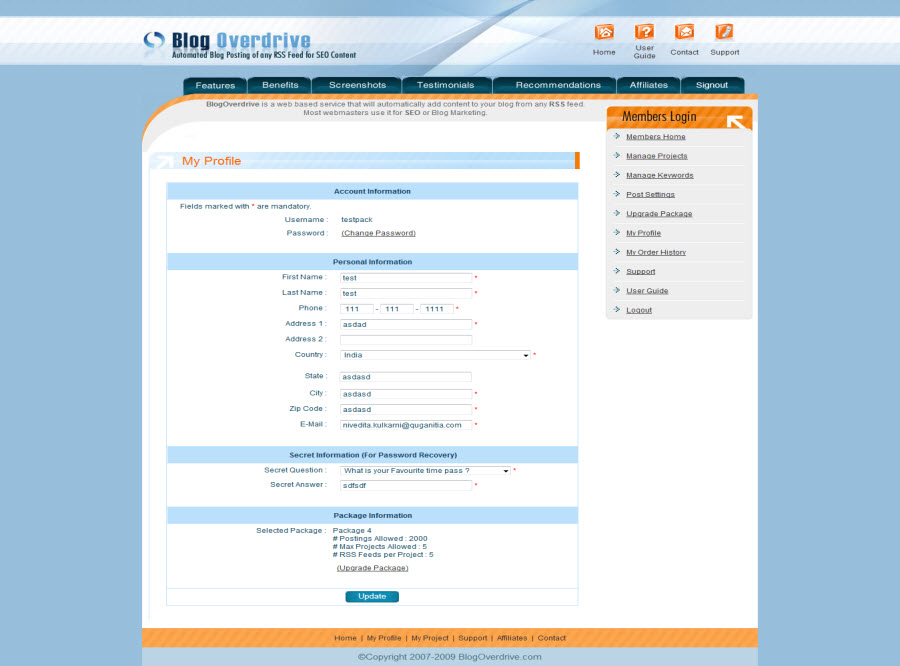
| Profile |
| Keep your account details up-to-date with your profile control panel. |
| |
|
Click image to enlarge.
|
|
|
| |
| Order History |
| With the order history control panel, see at a glance all of your account history with BlogOverdrive. |
| |
|
Click image to enlarge.
|
|
|
|
|
|
|


